- Home
- Key Info
- Our Church School
- Calendar
- Parents
- Teaching & Learning
- Curriculum
- End of Year expectations
- Curriculum Intent
- Year Groups
- Homework
- Internet Safety
- Tockwith Feedback Policy
- Faith
- Ebor Academy Trust
- Contact us

To understand the purposes of feedback in school.
To support appropriate approaches and methods of feedback
To ensure consistency of the policy is applied across the school so children have a clear understanding of teacher expectations.
This guidance was formulated through staff training after having used Mark, Plan, Teach by Ross McGill as a book study.
Research indicated that verbal feedback is the most powerful form of feedback and has maximum impact as allows children opportunities to instantaneously make improvements. At Tockwith, we use live marking which is diagnostic and identifies specific areas to improve.
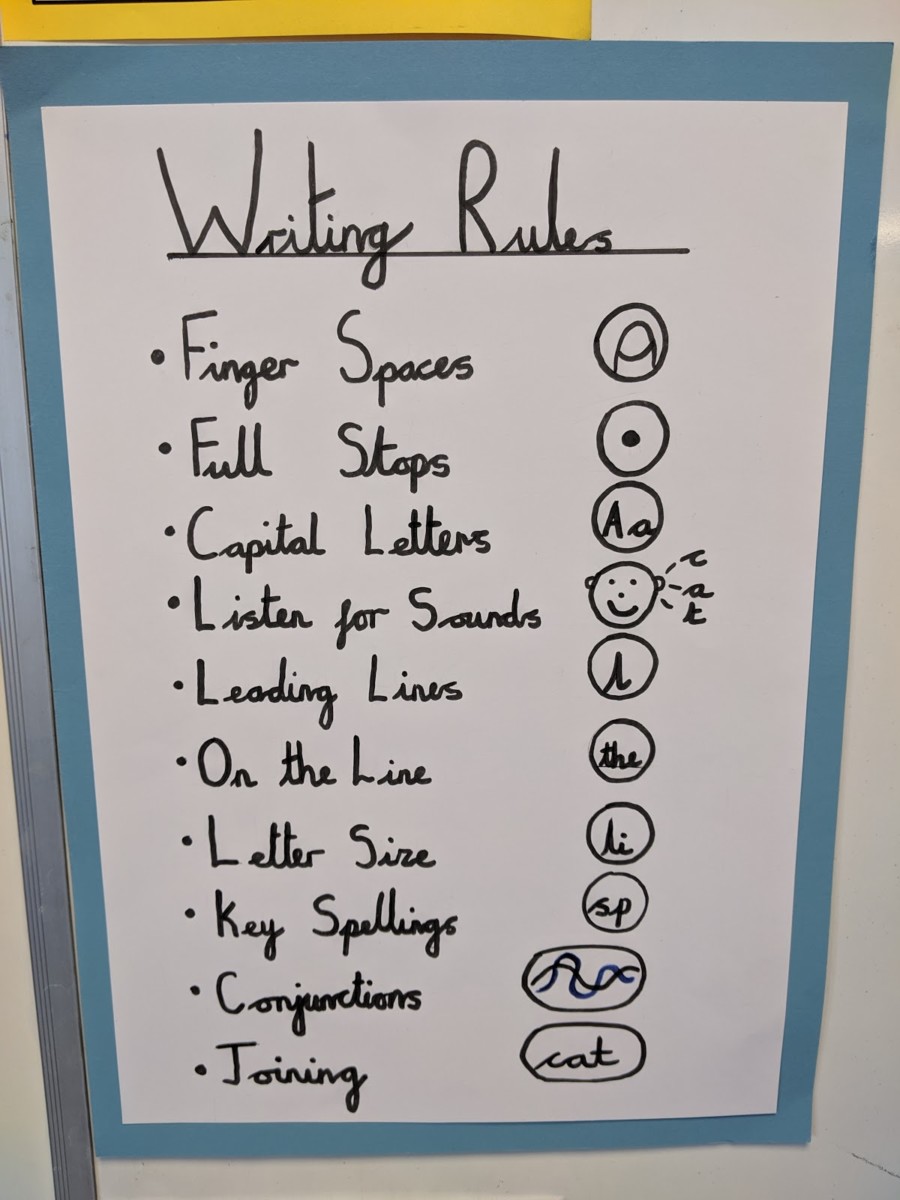
At least one next step to promote learning will be identified through written feedback, which is directly related to that specific piece of work to move learning on. Not every piece of work will have a next step. When success criteria or learning objective has been met it will be highlighted in pink along with excellent examples of work. In KS1, these learning objectives will be written in the children’s own symbols. Spelling mistakes will be marked with orange – only 3 mistakes per page. Only the part of the word which is incorrect will be corrected. Grammatical errors or sentences to be up-levelled will be highlighted in green.
When peer feedback is used, it is essential that is specific to the learning objective with high quality explanations. This can be verbal or written.
Whole class feedback is used to inform future planning, address misconceptions and highlight children in need of intervention and extra support. Whole class feedback aims to replace individual comments in written format. This feedback allows success to be celebrated and best practice can be modelled to the whole class.
Live marking is used during writing sessions by the teaching team. This can be verbal but can also involve modelled work (letter formation). Pink highlighters used to highlight learning objectives met. Green highlighters used to indicate grammar and punctuation errors or challenge task. Key spelling errors are indicated with an orange highlighter over the mistake. In Big Write, children either receive video feedback or written feedback supported by an adult. Children respond to their feedback in pencil. Talk partners are used to check over work in the editing process.
Verbal process during the writing process with live marking. Pink highlighters used to highlight learning objectives met. Green highlighters used to indicate grammar and punctuation errors or challenge task. Written or verbal feedback will give a challenge task. Spelling mistakes will be marked with orange – only 3 mistakes per page. Only the part of the word which is incorrect will be corrected. Landmarks at the back of the book will be ticked as appropriate. Parents or adults are given opportunities to give written/verbal feedback. Whole class feedback will show strengths and areas to improve. Peer reflection given as written feedback.
Maths feedback needs to be consistent throughout the school, mainly through the use of live marking and same day intervention. The whole teaching team need to be involved with the feedback to ensure all children receive accurate feedback promptly. Highlighters need to be used across the school. Pink for high quality maths, green for key errors (number reversal etc).
Corrections made by the children need to be clear and consistent. The corrections also need to be made on the same day (possibly in same day intervention) therefore the teacher needs to ensure time is given for children to complete this.
Technology can be used to offer timely, effective feedback. Teachers can add feedback to Gsuite applications as part of a live marking approach and also at the end of a piece of work. The application Seesaw can be used to give verbal and video feedback to children. This can be particularly useful to younger learners who struggle to read written feedback.
Key Stage 2 – as above but also including.
ZT- zero tolerance spelling word which needs to be found in the writing and corrected
// New paragraph
Stamps are used in Reception to help children understand what they need to do. Symbols are used in KS1 to help children set their own success criteria.